Outlook Was Down for a Day and a Half. Could Your Crews Still Get Their Assignments?
Last week's Microsoft 365 outage ran about 35 hours. What happened, what the SLA really pays, and a simple continuity plan for field crews and clinics.
In this article
Last Thursday, Nov. 12, at about 10:17 a.m. Central, Microsoft 365 users started losing access to their mailboxes.[1][2] Outlook was hit hardest, with people unable to open mail on the web, desktop or phone, and Teams, Copilot, SharePoint, Planner and other services were disrupted along with it.[5][3] Microsoft did not declare the incident resolved until late Friday night or just after midnight Saturday, Central time, depending on which record you read.[1][2]
That is roughly a day and a half, not the three days some posts claimed. It felt longer because it started Thursday morning, ate all of Friday, and the "fixed" notice landed around midnight. For a contractor or clinic, that is two working days where the inbox could not be trusted.
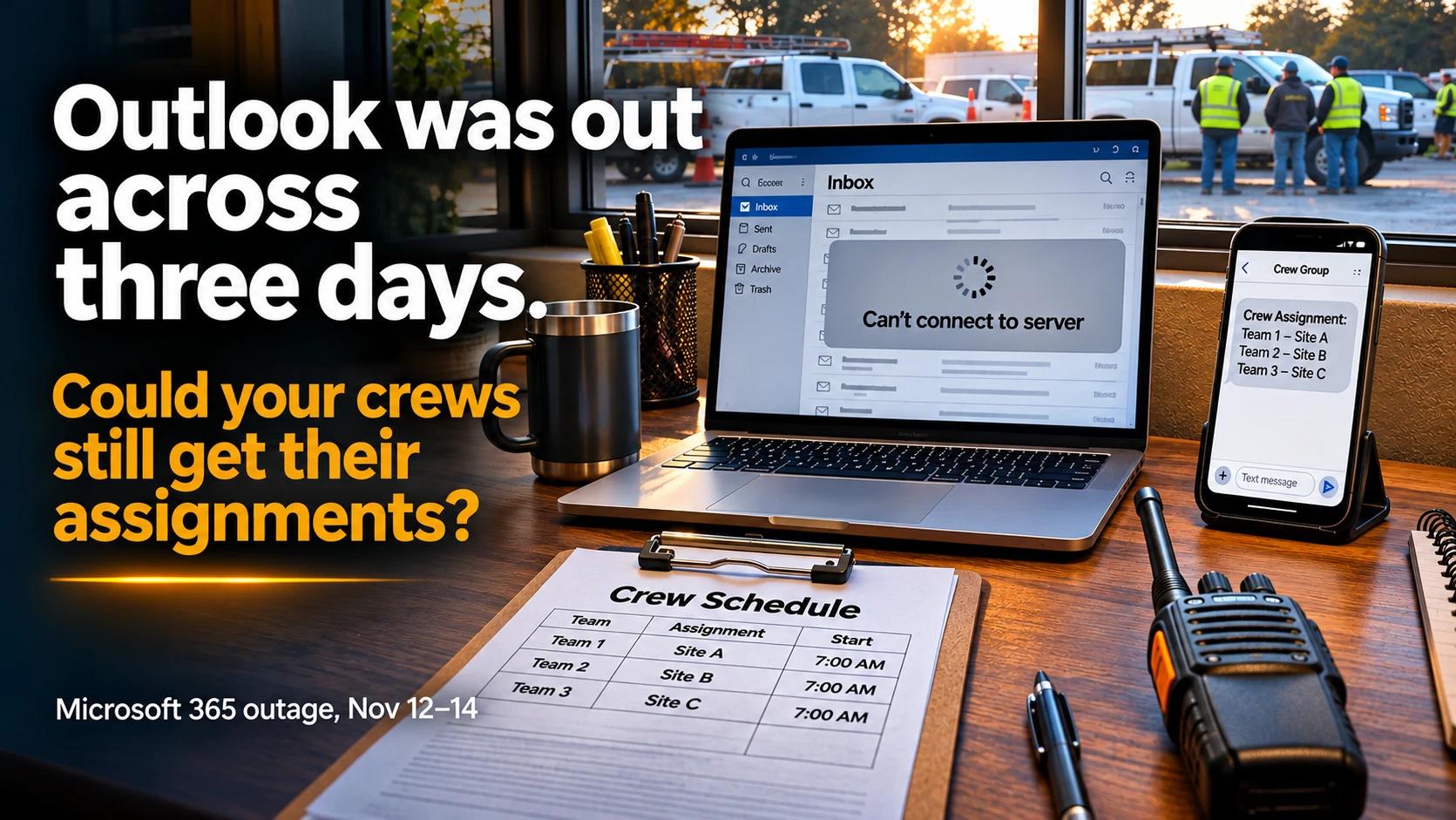
So here is the operator's question. If email went dark at 10 a.m. on a Thursday, could your crews still get Friday's assignments? Could a foreman get a change order approved? Could the front desk reach Friday's patients? Below: what happened, what Microsoft's service level agreement does and doesn't pay, and a plain continuity plan for a 20 to 200 person company.
What actually happened, with times
Here is the sequence from Microsoft's status updates as reported by the press and IT admin trackers. Microsoft's admin-center records are visible only to customers, so treat exact minutes as close, not perfect.
- Thu, Nov. 12, 10:17 a.m. CT (16:17 UTC): Impact starts. Users cannot open mailboxes.[2][1] Microsoft's first public post, shortly before 1 p.m. Eastern, said it was "investigating reports of users experiencing issues accessing Exchange Online."[3][4]
- Thursday afternoon: Downdetector logged more than 100,000 Outlook reports within an hour of Microsoft's first post, per ABC News.[4] Microsoft said affected infrastructure was seeing elevated load across multiple regions that was not caused by more traffic.[5][2]
- Thursday night: Restarts did not hold. Microsoft said servers returned to service "can become unresponsive again once they receive traffic" and that a "core process on affected servers is becoming overwhelmed."[3] It paused deployments and throttled some traffic.[2][4]
- Fri, Nov. 13, morning: Recovery in Asia Pacific, then Europe, then North America. By mid-morning Eastern, Microsoft said email queues were "approaching normal levels."[1][4]
- Friday midday: Microsoft apologized and said "This was a technical issue not related to cyber or AI / agents."[1][4]
- Friday, 4:15 p.m. CT: Microsoft reported "sustained service recovery" and kept watching the email backlog.[1]
- Late Friday to early Saturday: Microsoft said services had fully recovered and that it had "completed our efforts to address the underlying issue." Reported times for that final notice range from 9:51 p.m. CT Friday to 12:22 a.m. CT Saturday.[2][1][6]
From first impact to the resolution notice was about 35 to 38 hours; to "sustained recovery," about 30. Not 72.
Why it happened: the explanation shifted
The cause was described three ways in 48 hours, which is normal for a live incident.
On Thursday, Microsoft talked about elevated load and servers that became unexpectedly unavailable, and said early on it had not found a recent change that lined up with the start of impact.[5][2] Australia's Home Affairs Minister, Tony Burke, said Microsoft told him it was not a cyberattack and described "an update that has gone awry."[5] By Friday, Microsoft's own statement said the incident "was introduced by an issue during an earlier network capacity upgrade" that surfaced after a recent network change.[4][1]
On one point every account agrees. Microsoft said there was "no indication this is the result of malicious or cyber activity."[4][5]
Microsoft's own service description says that for broad incidents like this, customers get a preliminary post-incident review in the admin center within 48 hours of resolution and a final one within five business days.[8] If you have a Microsoft 365 admin account, the final review for incident MO1550821 should be the document of record.[1] We have not seen it; it is not public.
What it cost a field operation
No one has published a dollar figure for this outage, and we won't invent one. But anyone who has run crews can see the damage path. In many smaller companies, Outlook and Teams quietly became the dispatch system, the approval system and the customer line.
| What stopped | Who felt it | The fallback that would have worked |
|---|---|---|
| Tomorrow's crew assignments sent by email | Foremen, crews, subcontractors | Group text from a pre-built list, plus the schedule printed or saved offline by 2 p.m. daily |
| Change order and purchase approvals in email threads | PMs, owners, suppliers | Approvals logged in the system of record; a named approver authorized by phone with a written log entry |
| Teams chat between office and field | Dispatchers, supervisors | A phone tree with a call order and a backup SMS channel |
| Customer and patient confirmations | Front desk, schedulers, customers | A daily export of tomorrow's appointments with phone numbers |
| Shared calendars and Planner boards | Everyone who checks "what's next" | Offline copy of the week's schedule in the field tablet or truck binder |
Our take: the companies that shrugged this off were not the ones with better IT. They were the ones whose schedule lived somewhere other than an inbox.
What the SLA gives you, and what it doesn't
Microsoft financially backs Exchange Online at 99.9% uptime in its Service Level Agreement for Online Services.[7] The credits are tiered: 25% of the monthly service fee below 99.9%, 50% below 99%, and 100% below 95%.[7] For Exchange Online, downtime means users cannot send or receive email with Outlook on the web, counted in user-minutes, so only the users actually affected count.[7]
Here is what that means in a 30-day month like November. This is our arithmetic, not Microsoft's:
| Uptime threshold | Downtime allowed in a 30-day month | Credit if missed |
|---|---|---|
| 99.9% | about 43 minutes | 25% |
| 99% | about 7.2 hours | 50% |
| 95% | 36 hours | 100% |
So a user who truly could not send or receive mail for 36 hours or more could, in principle, land in the top tier. Then read the rest of the agreement.
- It's a claim, not a refund. You submit the claim with incident details, times, affected users and errors. For non-Azure services, Microsoft must receive it by the end of the month after the incident, so by Dec. 31 for this one.[7]
- Status posts don't prove eligibility. The SLA says outage communications "are not a confirmation of missed Service Levels or Service Credits eligibility."[7]
- The ceiling is your fee for that service. Credits cannot exceed the monthly fee for the affected service.[7]
- Lost work is excluded by name. Credits "will not be awarded to compensate for any other forms of loss, including but not limited to lost revenue, operational costs, or any indirect losses."[7]
- It's the only remedy. Service credits are your "sole and exclusive remedy" for availability problems.[7]
At best, you get back one month of what you pay for email. The idle crew, the missed inspection and the patient who didn't show are yours.
This is not a knock on Microsoft. Its published worldwide uptime has run above 99.9% in most recent quarters, though it fell to 99.526% in the first quarter of 2026, the quarter of a long January outage.[8][5] The SLA is a pricing promise. Continuity is your job.
The continuity plan: six pieces
None of this needs new software. It needs decisions made before the next outage, written down, and practiced.
1. A backup channel that doesn't touch Microsoft
A group text list, a mass-texting service or a phone tree. It must work with your Microsoft tenant completely dark. If your backup is Teams, it isn't a backup.
2. An offline copy of tomorrow, every day
Each afternoon, export tomorrow's crew schedule, job addresses, contacts and appointment list to something that needs no login: a PDF on the dispatcher's phone, a printout, a field tablet. Ten minutes a day would have covered last Friday.
3. One named "email is down" owner
Not "IT." A person, plus a backup person. They decide when you are in outage mode, send the first message on the backup channel, and call it over. From years of running field programs, my view is simple: the expensive part of an outage is usually the hour everyone spends waiting for someone else to say "go to plan B."
4. Status monitoring you actually watch
Have your admin watch Microsoft 365 service health, available in the admin center, the mobile admin app and an API.[8] Add a second signal outside Microsoft, like a public outage tracker.
5. Critical workflows in a system of record, not an inbox
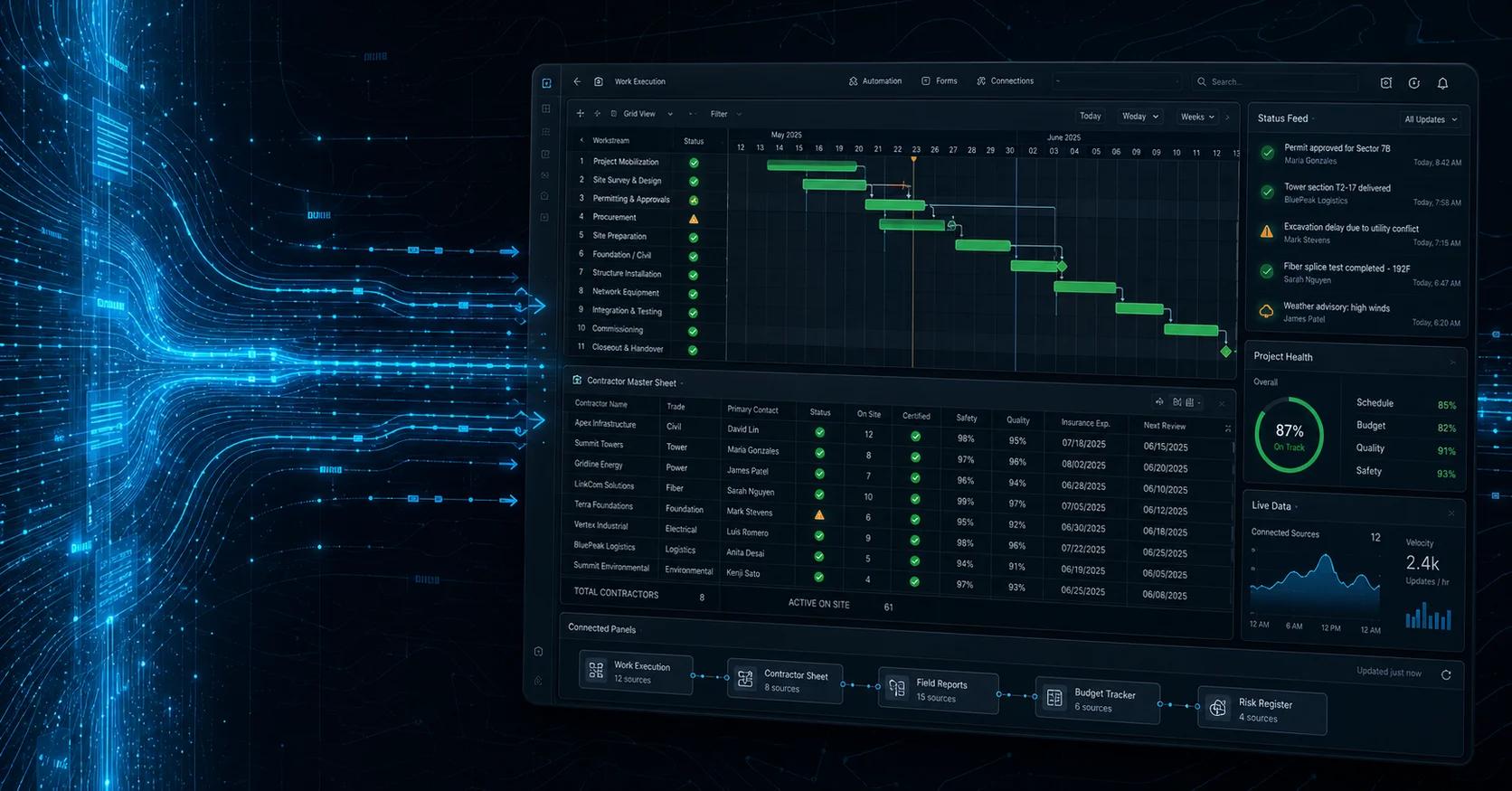
Crew scheduling, approvals, change orders and job status should live in a system built to hold them, with email as a notification layer on top. Then losing email means losing the announcement, not the schedule. We wrote about the cost of workflows that live in threads in the hidden cost of broken workflows, and about one place to see the whole operation in why companies need a command center.
6. A quarterly 30-minute drill
Once a quarter, announce "email is down" on a slow afternoon. Send tomorrow's schedule over the backup channel only. Time it, note who didn't get it, fix the list.
A one-page "email is down" runbook
Fill in the blanks and tape it next to dispatch.
- Trigger. Outlook or Teams fails for 15 minutes for more than one person, or service health shows an incident.
- Owner. [Name, cell]. Backup: [name, cell]. Owner declares outage mode.
- First message (within 15 minutes). Over [backup channel]: "Email and Teams are down. Use text and phone. Schedule for today and tomorrow comes from [name] by [time]."
- Schedule. Dispatcher sends assignments from the offline copy.
- Approvals. Approvals up to [$ limit] by phone from [named approver], logged in [system of record] with time and amount. Above the limit, owner decides.
- Customers and patients. Front desk calls the next 24 hours of appointments from the offline list.
- Vendors and subs. Text key vendors the backup contact path.
- Monitor. Owner checks service health hourly and posts updates.
- All clear. Owner confirms mail is flowing and announces it. Delayed mail will arrive in bulk; check for stale requests.
- After action (within a week). What broke, what worked, one fix. If the outage was long enough, have your admin file the SLA claim before the deadline.
The same logic applies beyond email: any single vendor, person or system everything runs through is a risk to manage, not a reason to panic. We mapped that for AI in finding the single points of failure in your AI stack.
What to do this week
- Ask: where did tomorrow's schedule live last Thursday? If the answer is "in someone's inbox," start there.
- Build the backup contact list (crews, subs, office, key vendors) outside Microsoft.
- Name the "email is down" owner and a backup.
- Set a daily time for the offline schedule export.
- Turn on service health alerts for your admin.
- If you were hit hard, have your admin collect affected users and times and decide by Dec. 31 whether to file a credit claim.
- Put the first drill on the calendar for this quarter.
FAQ
How long was the Microsoft 365 outage in November 2026?
Impact began around 16:17 UTC (10:17 a.m. Central) on Thursday, Nov. 12. Microsoft reported sustained recovery Friday afternoon and posted its resolution notice late Friday night or just after midnight Saturday, Central. That is about 30 to 38 hours depending on the endpoint, not three days.[1][2]
Was the Outlook outage a cyberattack?
Microsoft said there was no indication of malicious or cyber activity and called it a technical issue tied to an earlier network capacity upgrade.[4][1]
Can I get a refund for the Microsoft outage?
You may be eligible for a service credit, not a refund, if your users' Exchange Online uptime fell below 99.9% for the month. You have to file a claim, it is capped at your monthly fee for that service, and it does not cover lost revenue or operating costs.[7]
Key specifications
Includes reported figures| Item | Value | Status | Source |
|---|---|---|---|
| Exchange Online financially backed uptime | 99.9% monthly; credits of 25% (<99.9%), 50% (<99%), 100% (<95%) of the monthly service fee | Verified | [7] |
| SLA claim deadline (non-Azure services) | End of the month following the incident (Dec. 31, 2026 for this outage) | Verified | [7] |
| Impact start | Nov. 12, 2026, about 16:17 UTC (10:17 a.m. CT)From secondary timelines quoting Microsoft; Microsoft's admin-center record not publicly viewable. | Verified | [1][2] |
| Resolution notice | Nov. 14, 2026, reported at 03:51 UTC or 06:22 UTCSources disagree on the exact time. | Reported | [2][1] |
Reported figures come from the listed sources and have not been independently verified by Tomorrow’s Tech AI.
Where sources disagree
Outage start, end and total duration
- [5] Problems began at about 16:00 GMT on Nov. 12.
- [2] Impact started 16:17 UTC Nov. 12; declared fixed 03:51 UTC Nov. 14; Microsoft's final update stated an end of 16:10 UTC Nov. 13.
- [1] Began about 11:17 a.m. ET (16:17 UTC) Nov. 12; sustained recovery 5:15 p.m. ET Nov. 13; resolution notice 1:22 a.m. ET (06:22 UTC) Nov. 14.
- [3] Microsoft's first social post came around 12:50 p.m. ET (17:50 UTC) Nov. 12.
- [9] Microsoft's incident window was 5:05 a.m. ET Nov. 12 to 11:10 a.m. ET Nov. 13, with service restored 11:17 p.m. ET Nov. 13.
Our read: We measure from 16:17 UTC Nov. 12 (two independent timelines agree) to the resolution notice early Nov. 14 UTC: about 35 to 38 hours, or about 30 hours to reported sustained recovery. No source supports three days of downtime; the incident touched three calendar dates.
Cause of the outage
- [5] Microsoft cited elevated load across multiple regions not caused by more traffic and servers becoming unavailable; Australia's Home Affairs Minister said Microsoft described 'an update that has gone awry'.
- [3] A core process on affected servers became overwhelmed, causing capacity loss.
- [4] Microsoft said the incident was introduced by an issue during an earlier network capacity upgrade, surfaced by a recent network change; not cyber or AI related.
Our read: Microsoft's latest stated cause is the network capacity upgrade issue. The final post-incident review in the Microsoft 365 admin center is the authoritative account; we have not seen it.
Sources
- [Updated] Microsoft Deploys Configuration Patch to Stabilize Global Microsoft 365 OutageTimeline of Microsoft updates in ET: impact ~11:17 a.m. ET Nov. 12; Friday apology and cause; 'sustained service recovery' 5:15 p.m. ET Nov. 13; resolution notice 1:22 a.m. ET Nov. 14; incident MO1550821. Updated Nov. 14.
- Microsoft 365 outage, 12 November 2026: what happened and what admins can doUTC timeline: impact 16:17 UTC Nov. 12; acknowledgement 16:20; deployments paused; 'declared fixed' 03:51 UTC Nov. 14; final update states an end of 16:10 UTC Nov. 13. Incident IDs EX1550543 and MO1550821. Last checked by publisher Nov. 14.
- Microsoft services hit by major outage across the worldFirst Microsoft post around 12:50 p.m. ET; affected services list; Microsoft quotes on overwhelmed core process and servers going unresponsive; updated Nov. 13, 7:26 a.m. ET.
- Outlook outage updates: Microsoft apologizes for email disruption, says there was no hackOver 100,000 Downdetector reports within an hour; Microsoft apology and 'earlier network capacity upgrade' cause; 'no indication' of malicious activity; deployments paused.
- Microsoft hit by global outages: What happened and why?Start ~16:00 GMT; services affected; elevated load not caused by traffic; Lamanna statement on X; Tony Burke 'update that has gone awry'; January 2026 outage of almost 10 hours.
- Microsoft's longest outage in years is finally over. Here's what went wrongMicrosoft X post Nov. 14 that it completed efforts to address the underlying issue; outage lasted 'well over 24 hours'.
- Service Level Agreement for Microsoft Online Services (WW, English, November 2026)Read from the November 2026 English DOCX linked on this page. Exchange Online: 99.9% / 99% / 95% thresholds for 25% / 50% / 100% credits; downtime = unable to send or receive with Outlook Web Access, in user-minutes; claims due by end of the month after the incident; credits capped at monthly fee; no compensation for lost revenue or operational costs; sole and exclusive remedy; outage communications not a confirmation of eligibility.
- Service health and continuity (Microsoft 365 service descriptions)Preliminary PIR within 48 hours of resolution and final PIR within five business days for broad incidents; service health via admin center, Admin App and Graph API; worldwide uptime table (2026 Q1 99.526%).
- Microsoft 365 Outage, November 12, 2026: What Went Down and the TimelineReports Microsoft incident window as 5:05 a.m. ET Nov. 12 to 11:10 a.m. ET Nov. 13, service restored 11:17 p.m. ET Nov. 13. Conflicts with other timelines; used only in the discrepancy.
● Build with us
Get crew scheduling out of the inbox
We move dispatch, approvals and the daily schedule into one system your crews can reach even when email is down. 30 minutes, no pitch, real conversation.